Oh yes, I am officially a YouTuber (cue fanfare.wav). In case you missed it: here’s a video walkthrough of the JobsTrek app. (Discussion of the code starts here.) I was a bit sleepy when I made this one, so let’s just says it’s not exactly electrifying YouTube. But I did enjoy making it! Someday I’ll invest in a proper video editor and make some cuts to these videos.
simple demo of the JobsTrekker Django app
It’s possible that I’ll relaunch once I’ve added an expanded dashboard. I had also started adding a chatbot using the Crisp.ai app integration, so I may again get to work with the OpenAI API…stay tuned.
Working with the Nucamp grads and prospective students again is also rewarding — they are a good group of folks trying to better their lives for their families, and seeing them help one another in the community is awesome.
Deciding whether to go further with the YouTube channel, I was able to host another couple of career workshop sessions for some job training clients from Goodwill NYNJ this month. It’s great to be able to offer my skills and just share my experience with what not to do!
Because I have some free time this evening (wow!) I thought I’d burrito-ify myself in front of the computer and finally make a photo viewer Android app for myself.
Let me back up a bit — since LG stopped making phones, I was forced to get a Motorola phone recently. It’s nice and all, but it doesn’t come with a photo viewer. Which means one must use all the Google apps (file viewer, Photos app, etc) to access one’s files.
This is no bueno.
So naturally I have simply not been opening my files on my phone. Unless someone has sent it to me via SMS or Discord or what have you, where I can view a preview. Or, if I upload it to my Proton storage, I’ll see a preview. (Even VLC Media Player seems to have failed me here — it doesn’t open 95% of the video files I task it with opening, for some reason.)
I got started with a video appropriately titled, “Getting Started With Ignite,” by Jamon Holmgren of Infinite Red. (https://www.youtube.com/watch?v=KOSvDlFyg20)
Install Yarn first if you want to follow this video smoothly (it can be installed via npm).
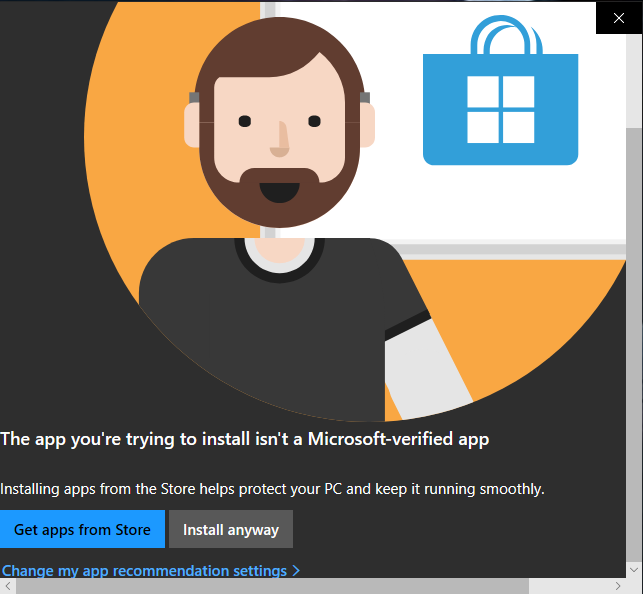
Deciding to upgrade to Node 20.8 to keep pace with the video, I downloaded the msi file from the official Node site, and double-clicked it — I didn’t have any reason not to install it globally on this machine. The usual “Get apps from Store / Install anyway” Microsoft warning appeared, but it had scroll bars; weird. I clicked “Install anyway” several times — nothing happened. Did a dreaded restart. Same thing. So I had to run it from inside PowerShell:
msiexec /i “node-v20.8.0-x64.msi”
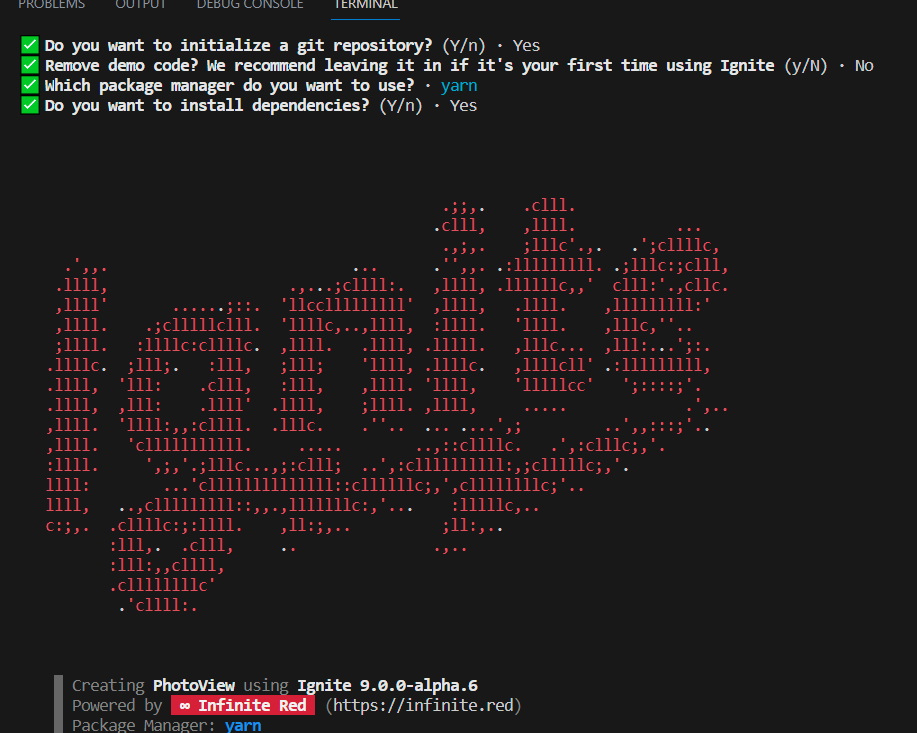
Quite irritating, but I thought it was just a fluke/bug. Next was npx ignite-cli@next new PhotoView
… and selected all the desired settings. I chose all the defaults. I enjoyed the lovely ‘splash screen’:
When I got to ‘yarn android’, the error, ‘Failed to resolve the Android SDK path’ appeared. I remembered that I’d never installed Android studio on this particular computer. Downloading from the official Android homepage, I again ran into the same Windows bug. This time the exe file would not run in PowerShell. My hubby suggested running the Compatibility troubleshooter, which worked, but it seems that the bug can also be bypassed by turning off that warning in the OS settings under Apps & Features > Choose Where to Get Apps.
However, now I’m getting, “Starting Metro Bundler CommandError: No Android connected device found, and no emulators could be started automatically.”
Yay, new error message! But I’m ready for bed now… to be continued. Ok, just kidding…I surfed around Twitter (Xitter?) for a bit, then got my second wind.
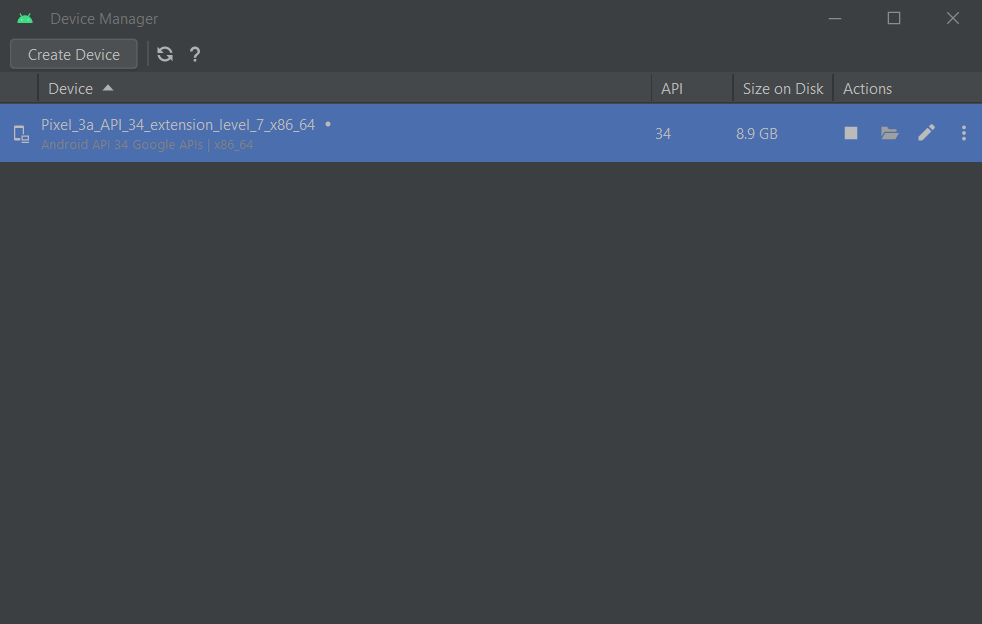
Starting Android Studio, then going into Device Manager and clicking the play button to start the device…
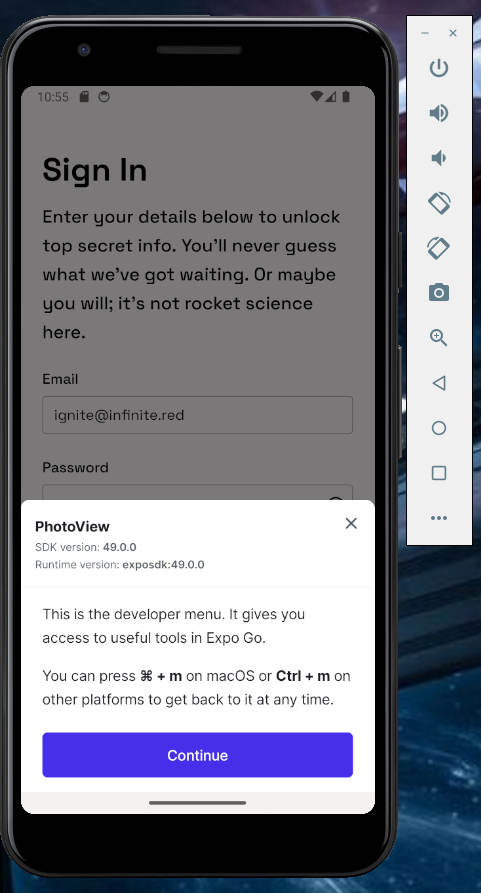
…seems to have worked:
Now to attempt some modifications so I can gradually get a photo viewer… to be continued…